

parwalrahul
Navigator
March 6, 2025
Quiz

Week 1 Exercise - Exploring Gen AI for Testers

  • March 6, 2025
  • 56 replies
  • 1934 views

Introduction

Welcome to your first activity on generative AI for testers! In this activity, you’ll explore different AI tools that can support your testing and engineering tasks. 

By browsing through a curated collection of AI solutions, you’ll gain insights into how these tools can be integrated into your day-to-day work.

Benefits of Participating in This Activity

  • Discover New Tools: You’ll explore a variety of AI solutions that can be used in your day-to-day work, activities, and tasks.
  • Gain Hands-On Experience: By experimenting with different tools, you’ll learn how to integrate Gen AI into your everyday testing tasks.
  • Share and Learn: When you share your findings, you’ll also benefit from the unique discoveries and use cases presented by your peers.
  • Immediate Application: You’ll come away with actionable insights and practical strategies to enhance your work right away.

Activity Description:

  1. Visit the Future Tools website:
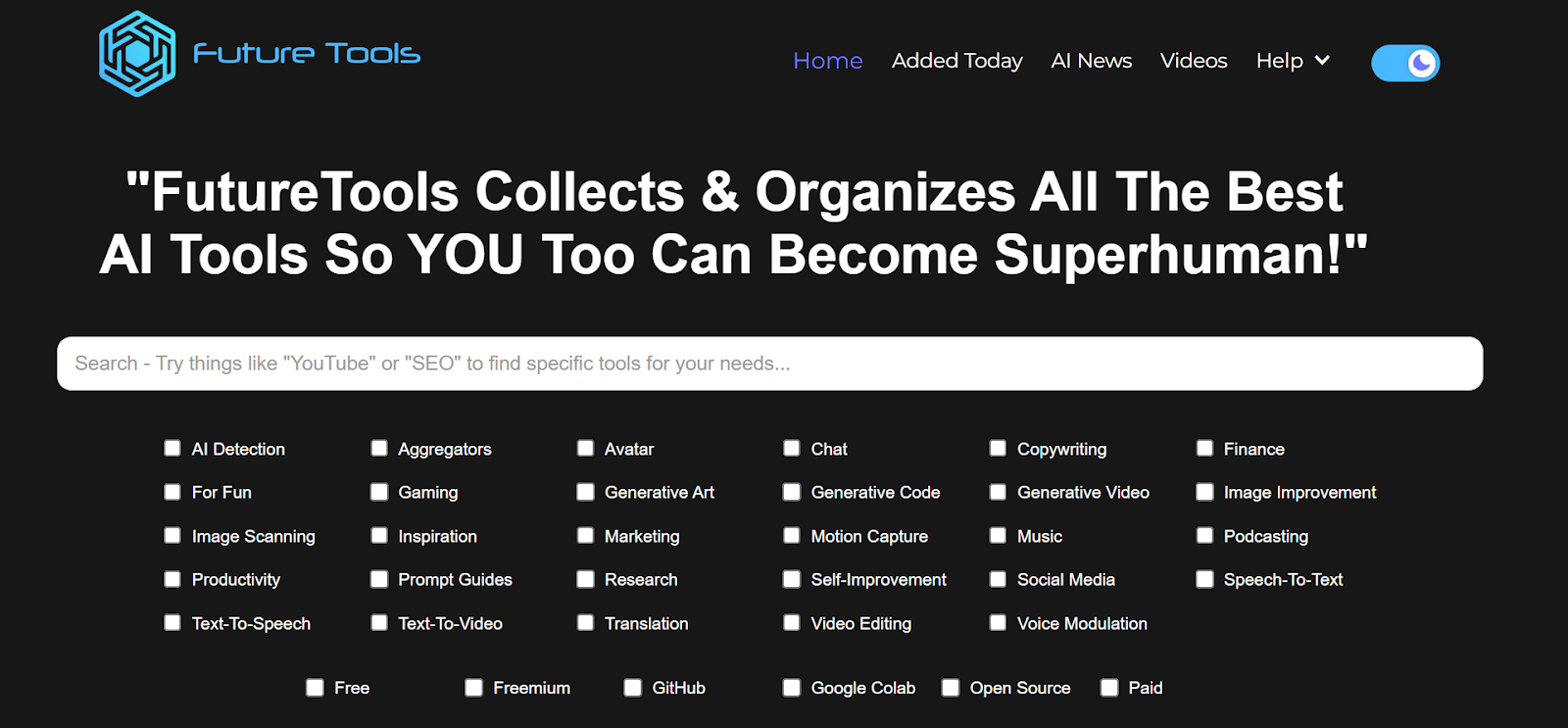
    Go to https://www.futuretools.io/ and explore the catalog of AI tools.
AD_4nXeMMyk0RzIiD-CJfrOXoJlebC3NMtr2AQWGwN53SN4aTnFkMda7ZteLf0uX0WSAffyo54frmhDytUQ8GxVJ3SiTXKpfE-z3p6cDooDODKIt7VMsBzs2zdFZlMDbghvSRDoSrFR6?key=-UrBosk91MUix1zjtlFYz6yt

  1. Filter for specific criteria:
    Use the filters to narrow down tools that fit your interest or testing needs:
    • Tool categories (e.g., “AI Detection,” “Productivity,” “Generative Code”, etc.)
    • Usage preference (e.g., “Free,” “Freemium,” “GitHub”, etc.).
  2. Select a Minimum of Three Tools:
    • Choose any three tools that stand out to you based on your role as a tester or engineer.
    • Make sure to select unique tools you find potentially valuable for testing or day-to-day work tasks.
  3. Evaluate and Document:
    For each chosen tool, briefly document:
    • Name of the tool
    • Key features or capabilities that might benefit testing or engineering
    • Example use case of how you would apply this tool in your daily work (e.g., test data generation, automated test code generation, learning, etc.)
  4. Share Your Findings:
    • In response to this post, post your list of three tools along with short explanations of how each can be used.
    • Take a moment to read or listen to other participants’ selections and see if any tools could also benefit your workflow.

56 replies

Ensign
March 12, 2025

Hello All, 

I have tried following tools from futuretools.io  -

  1. Under Music category(Free)  : AI jukebox - It generates custom music from text prompts for a specified period.  For e.g. music for 90s pop songs with selected style. 
    It takes some time to generate a 5s audio.
  2. ollie.ai is good app for daily task management(under self-improvement)
  3. pi.ai - A tool to assist with tasks, answer questions, and retrieve information. For e.g. if you want to plan a vacation - It will give you a list on where to go , what to try depending on your interests, with tips and recommendations,

    Few tools I tried under self-improvement category did not open and few were not helpful. e.g. LearnAbout is not available in India location.
Ensign
March 12, 2025

@NitinMore - Some really interesting findings and listed tools here. I like Google AI Studio a lot.

It’s also good for learning purposes.

Regarding Learn About, it’s not available in my region (India). Were you able to try this out?

Hi Rahul, Thanks i will try my best to explore and let you know. Regards.Nitin

Space Cadet
March 13, 2025

Hi All,

I tried some AI for Fun,

  1. AI Named My Pet
    • Gave pet as Elephant and Character as always Angry. Some characters that match my pet, i referred to ‘How to Train Dragon’, ‘Dragon’.
    • Result is below:
    •  

Space Cadet
March 13, 2025

I explored category - Translation. I found below 3 interesting tools -

  1. onesky.ai - OneSky is a translation management platform designed to simplify the process of localizing apps, games, and websites. It supports multiple file formats, provides seamless collaboration among stakeholders, supports over 70 languages, can be integrated with other tools/platforms such as Github and Slack.
  2. langotalk - this tool is designed to help people learn Spanish, English, French, German, Dutch, or Italian 6x faster by chatting with an AI.
  3. vidby - it specializes in providing video translation and dubbing services. The platform is designed to help businesses and content creators localize their video content for global audiences by offering translations in multiple languages.


parwalrahul
Navigator
March 13, 2025

@VimalPatel nice. I think Github copilot and otter are revolutionary products.


They are the pioneers in the ai revolution / democratization.


You really tried out and explored some good power tools. Great job!

https://testingtitbits.com/
parwalrahul
Navigator
March 13, 2025

@sagar veakria nice tools, your exploration was more around testing specific apps.


Testim is great. 🙌🚀

https://testingtitbits.com/
parwalrahul
Navigator
March 13, 2025

@Yastho thanks for introducing me to Omnifact.

it’s an interesting platform.

https://testingtitbits.com/
Ensign
March 13, 2025


  1. Name of the tool: ChatGPT Exporter (Productivity)
  • Key features or capabilities: A tool to extract and save ChatGPT conversations as PDF, Markdown, Text, CSV, JSON, and Image for FREE.
  • Example use case: We can save the content that we searched for on our local machine in different formats and can use it later as well. That way one can save time by not searching the same thing again and again.


  1. Name of the tool: Samsung Food (For Fun)
  • Key features or capabilities: The all-in-one app for recipe saving, meal planning, grocery shopping, and recipe sharing.
  • Example use case: We can save recipes from any website to a digital recipe box, making it easy to create, organize, and share our cooking inspiration, can make our recipe collection into a weekly meal plan, can turn any recipe or meal plan into a smart shopping list with one click and take our list to the store, check out online, or share it with our shopping partner, and unlock detailed nutrition info and calorie counts for any recipe we save to Samsung Food—even recipes that we build ourselves.


  1. ​​​​​​​​​​​​​​Name of the tool: Postfluencer (Social Media)
  • Key features or capabilities: A tool to generate posts with popular writing frameworks to build our brand on LinkedIn effortlessly.
  • Example use case: 
  1. Post Generator: Create high performing posts based on popular writing frameworks effortlessly.

  2. Rewrite posts: Rewrite our existing post the way influencers do.

Charmi Patel
sabarish
Ensign
March 14, 2025

Tool: linfo.ai
Key Feature: Summarizes Lengthy Content.
Use Case: Summarized a YouTube video.

Tool: Mapify
Key Feature: Create mind maps using AI prompts.
Use Case: Created a mind map using YouTube video of a  CompTIA ITF+ course as a prompt.

Tool: AI Logo Maker
Key Feature: Generate logos based on brand name, slogan and reference symbol/s.
Use Case:  Created logo for an imaginary company.

parwalrahul
Navigator
March 14, 2025

Interesting possibilities, ​@sabarish .


I am interested to know more about mapify. Do you have the mindmap you created ready with you?

Would love to check it out and know your thoughts on its quality.

P.s. I am also a mindmapping fan!

https://testingtitbits.com/