

MCP Servers and Automation for Testers
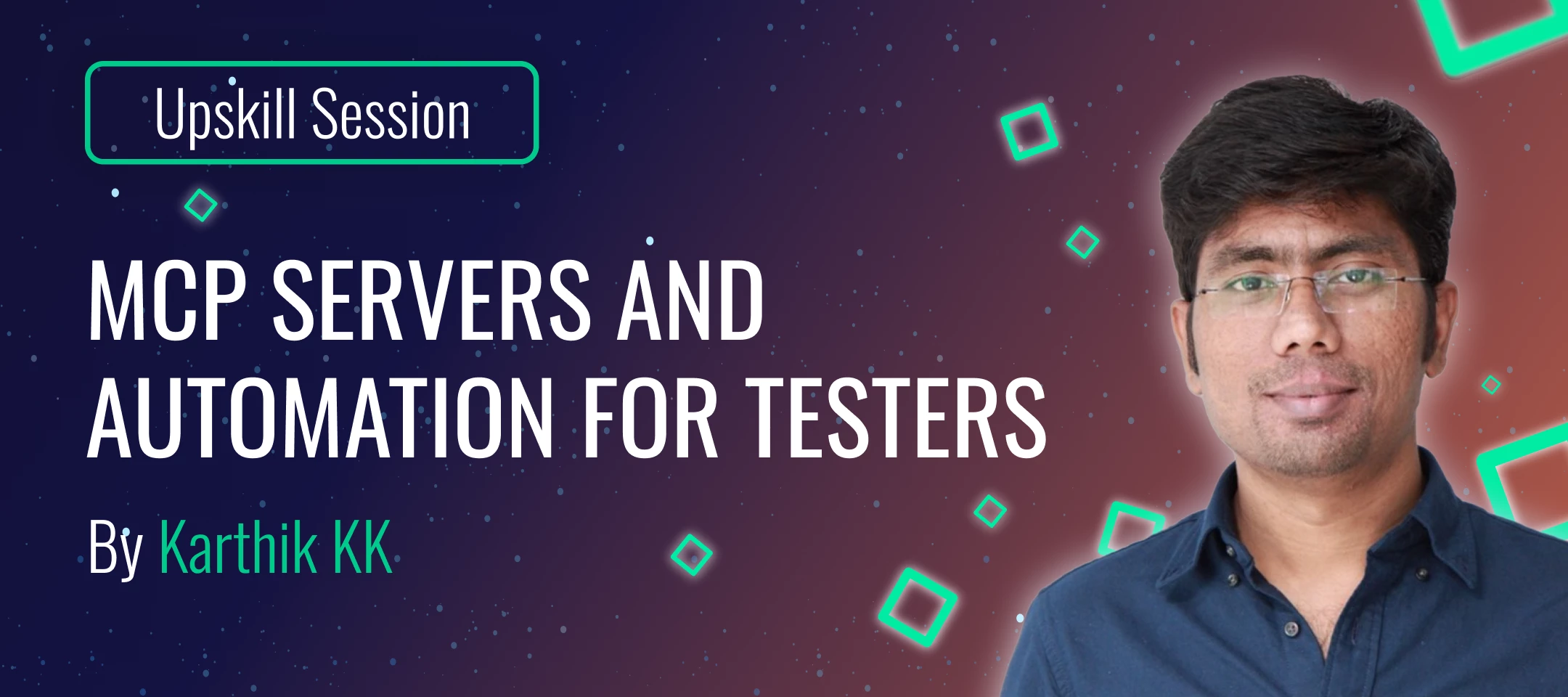
MCP Servers and Automation for Testers
by Karthik K.K.
TL;DR/ Key Takeaways:
- Learn Model Context Protocol (MCP) basics and how MCP connects AI systems to real tools and data sources through a client-server architecture.
- Understand AI agents for QA and how agents enable tool execution beyond what an LLM can do alone.
- Explore popular MCP clients like Claude Desktop and Visual Studio Code and how they connect to MCP servers.
- Learn how MCP servers are configured and how different clients store MCP settings.
- See how the Playwright MCP Server can support UI automation using plain-language instructions such as opening a browser, navigating, clicking, validating results, and summarizing outcomes.
- Explore MCP-powered UI testing workflows, including login, entity creation, logoff, and browser closure with AI-assisted steps and evidence capture.
- Discover how test code and project scaffolding can be generated automatically, including Playwright configuration, TypeScript configuration, test specifications, screenshots, and reports.
- Extend the approach to API testing by using Swagger or schema inputs to generate tests for GET, POST, PUT, and DELETE operations, along with supporting utilities and test data factories.
- Learn how MCP servers expose tooling capabilities such as browser automation, file access, and repository access, and why selecting the right tools can improve workflow efficiency.
- Apply MCP to broader QA activities such as documentation extraction, requirements consolidation, and advanced tasks like log analysis for deeper insights.
Description:
This video series introduces QA professionals to the Model Context Protocol (MCP) — a powerful way to connect testing tools, data sources, and automation workflows with AI-driven efficiency. Across ten practical sessions, you’ll learn how MCP simplifies integration challenges, streamlines test execution, enhances reporting, and makes QA assets — from databases to UI tests — more accessible and maintainable. Whether you’re looking to modernize existing frameworks or explore the future of AI-assisted testing, this learning track provides practical insights for bringing MCP into your QA practice.
✅ Certificate of completion:
Complete all chapters of the course and take the final quiz. Achieve a score of 90% or higher to earn your official MCP for QA Certificate. You will find the quiz link at the end of the course.
To consider:
Certificates are issued 1 business day after completion.
Please reach out to us only if your certificate is not delivered within this timeframe. And please be patient.
Certificates will be issued with the name you have in your profile.

