Specialist
Sep 22, 2023 5:14 AM UTC
Question

[Testim] Local CLI is not working

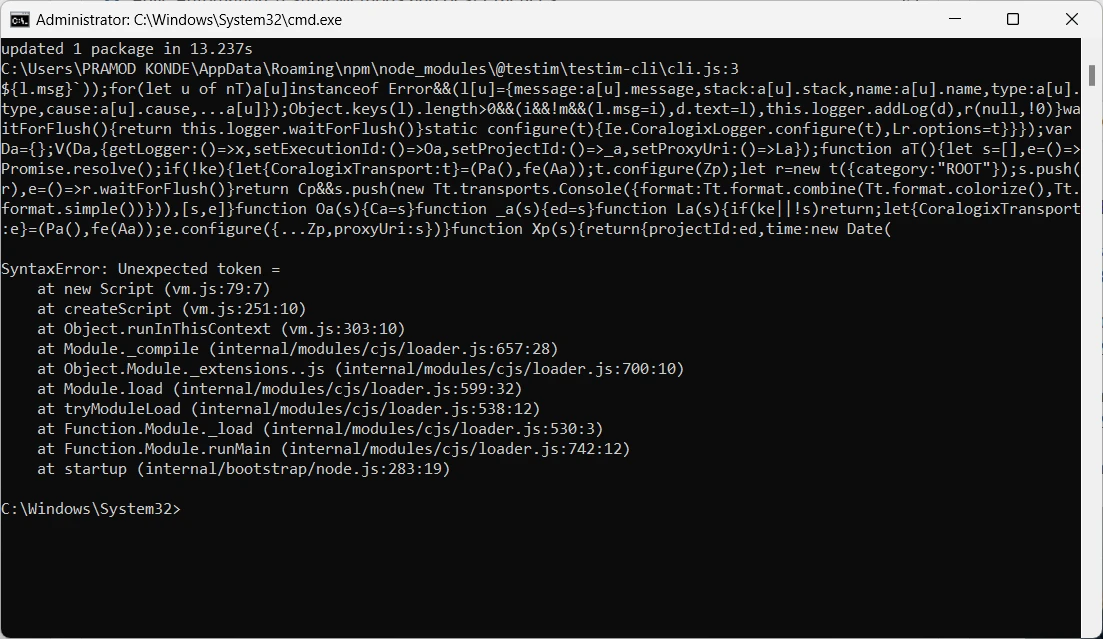
I am trying to use the Local CLI from Testim to run tests on local environment. When I try to run the CMD, getting error as : Unexpected Token =

Screenshot -
 

CLI code generated -
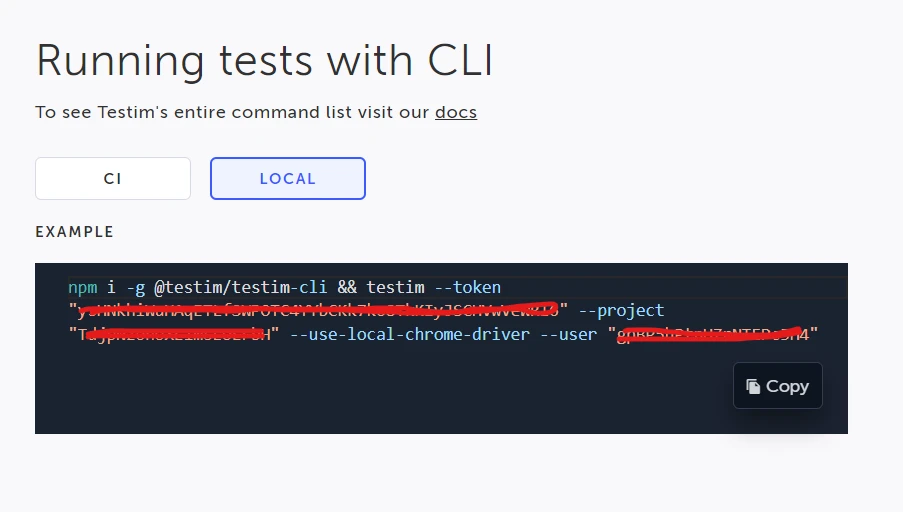
Local

What could be the issue?

5 replies

Employee
Sep 25, 2023 9:24 PM UTC

Hi!

Did you paste the generated command in your terminal? seems like some other code was run in the terminal, and not the CLI command generated.

Please be sure to have Node.js installed on your machine, and run the generated command in the terminal.

You can read more about how to use testim CLI properly, as well as all available flags for you to specify what to run via the command, here: https://help.testim.io/docs/the-command-line-cli

Specialist
Sep 26, 2023 5:33 AM UTC

Hello Matan,

Yes, I used LOCAL CLI command to run from CMD. Check the screenshot below - 

Command

After executing it, getting error mentioned in my previous post.

I am using node version v10.15.0 for your information.

Thanks!

Kat
Employee
Sep 28, 2023 1:26 PM UTC

 If you are a paying customer and you’d like to reach the Support team directly you can email them support@testim.io or chat with them from inside your active testim.io project

Quality Matters, Kat
Specialist
Oct 4, 2023 10:49 AM UTC

From the 1st screenshot, a *.js file is called and the error message presented is that there’s a problem running that script. 


To isolate the issue down to TestIM running dos, try running a basic DOS command or batch file. I.e. HOSTNAME.

Specialist
Oct 5, 2023 10:00 AM UTC

Hello Alex,

I have tried hostname from CMD, and following is the result -


It is working fine.

But when I try to run the CLI I am getting error. 


And one more point, I am using Free version of the testim. Could that be the issue?