
Mustafa
Technical Community Manager
January 27, 2026
Question

What kinds of AI tools are you using daily in your software development? And how are those AI tools changing your daily work?

  • January 27, 2026
  • 22 replies
  • 400 views

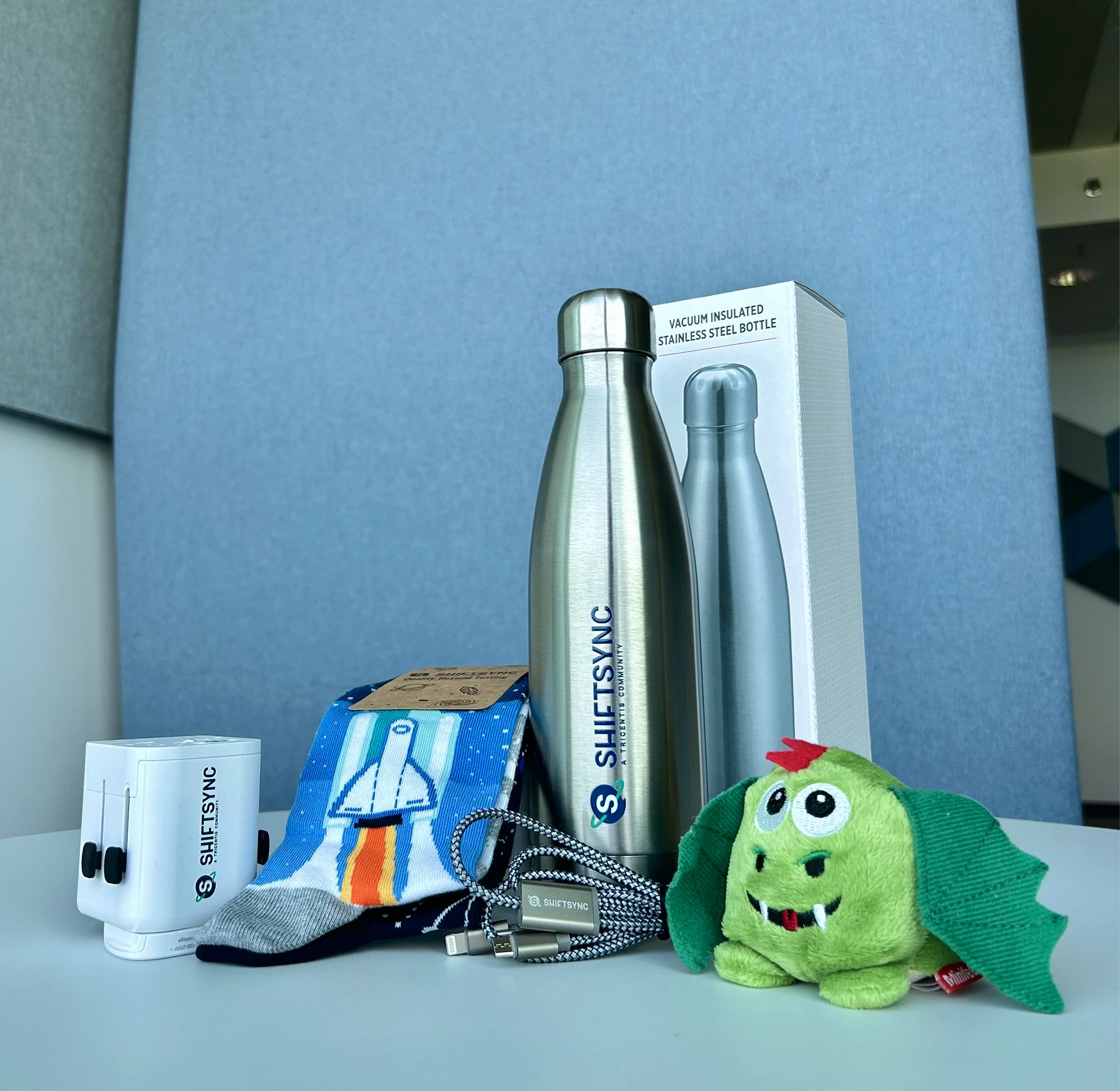
Answer Nikolay Advolodkin’s question for a chance to receive a ShiftSync giftbox.


22 replies

Ensign
January 27, 2026

As a QA, I'm using Copilot, ChatGPT, and Gemini.


Mainly for 
 

  • Unit test and integration test generation

  • Edge-case identification

  • Test data creation

  • Higher test coverage with less manual effort

  • Better negative and risk-based scenarios

Ensign
January 27, 2026
  • ChatGPT – Report writing, understanding PRDs & business documents, test case generation, test cases review bug writing, Python API automation. Data generation / DAta cleaning. 

  • Perplexity – Quick research and domain knowledge

  • Gemini – Meeting minutes and summaries

  • GitHub Copilot – Code development support

  • YouTube / Notebook LLM – Short explanations and domain understanding 

Ensign
January 27, 2026

Started Temporal for workflow testing for agents

Ensign
January 27, 2026

I use ChatGPT and Copilot for scripting automation testcases using playwright. It helps to fast scripting and error corrections especially for complex test scenarios , which truly saves time and improved code quality.

Ensign
January 27, 2026
Category Tools I Use How I Use Them Daily How They Are Changing My Work
Code & Test Assistance GitHub Copilot, ChatGPT, Claude Code Generate test cases, automation code, debug errors Speeds up development, reduces repetitive work
Test Automation Intelligence Healenium By EPAM Auto‑heal locators, improve flaky tests Reduces maintenance effort, improves automation stability
Test Data Generation ChatGPT, Mockaroo, Faker Generate realistic and edge-case test data Saves time and improves test coverage
Log & Issue Analysis OpenAI/Ollama model based agents Summarize logs, identify anomalies & root causes Faster debugging and quicker defect resolution
Requirement Understanding Jira AI Assistant, ChatGPT Convert user stories to test scenarios Improves accuracy and speeds up test design
Browser Automation
(AI‑Enhanced)
Playwright MCP
Automate UI flows, validate UI changes faster,
run cross-browser checks
Reduces manual browser testing,
accelerates regression cycles
API Automation Postman AI assistant
Generate API test cases, validate responses,
create negative test scenarios, auto‑document collections
Speeds up API testing,
reduces manual scripting, improves test coverage
Ensign
January 27, 2026

I used gemini for test cases creation and automation test. 

Space Cadet
January 27, 2026

We are using Claude MCP and KIRO IDE. Using AI simplifies the tasks and do it in reliable amount of time.

ujjwal.kumar.singh
Specialist
January 27, 2026

Answer Nikolay Advolodkin’s question for a chance to receive a ShiftSync giftbox.



I use AI tools every day—ChatGPT, Claude, GitHub Copilot, and Playwright Test Agent.
But honestly, the more interesting question isn’t which tools I use. It’s what problems they actually help solve.

Before AI, a lot of my time went into mechanics:

  • Reading through ~200 lines of test failure logs could take 20 minutes just to spot a pattern

  • Writing a test strategy often meant staring at a blank page for half an hour

  • PR reviews involved constant context-switching between code, Jira, and docs

With AI, the workflow feels very different:

  • I paste logs into Claude, get a pattern hypothesis in about 30 seconds, and then validate it myself

  • I dump testing risks into ChatGPT, get a first draft, and refine it for stakeholders

  • Copilot suggests test patterns I might’ve missed—I accept around 60% and reject the rest

  • Playwright Test Agent speeds up test generation, selector debugging, and flaky test investigation

The biggest shift I have noticed is this: less time on mechanics, more time on judgment.
AI surfaces likely causes like timing issues or race conditions, and I focus on deciding what actually makes sense.

Documentation has also become easier to start. Instead of spending 30 minutes stuck on the first paragraph, I can get to a rough 70% draft in a couple of minutes and spend my energy improving the thinking, not fighting the blank page.

Code reviews feel lighter too. Copilot catches the obvious stuff, which lets me focus on logic, architecture, and whether the tests really prove what they’re supposed to.

That said, there are things AI still can’t do:

  • Decide which tests are worth writing and which aren’t

  • Define what acceptable risk looks like for a release

  • Judge whether a flaky test points to bad code or bad test design

  • Know when a 'minor' UI bug actually breaks the user experience

Those are still human judgment calls.

My honest take: these tools are assistants, not replacements.
They are great at pattern recognition, summarization, and first drafts.
They are bad at context, nuance, and knowing when to break the rules.

I treat AI like a fast junior teammate very helpful, but it needs oversight. If you expect it to do your thinking for you, you will just ship mediocre work faster.

Overall, I would estimate a 20–30% time saving on execution work, which I now spend on design, collaboration, and deeper analysis.
The work feels less mechanical and a lot more strategic.

https://beinghumantester.github.io/
Bharat2609
Ensign
January 27, 2026

Answer Nikolay Advolodkin’s question for a chance to receive a ShiftSync giftbox.


I have used mostly Accelq with Gen AI, Playwright with MCP, GitHub Copilot , notebook llm
Playwright agent, google antigravity (recently started last 2 week),Atlassian Rovo 

chatgpt, perplexity and for salesforce appliation using agentforce


I have creating my own agent LLM model while intregrating different techniques:

reranking two stage retrival
chunking types-stucture aware chunking
similarity score
cosine similiartiy 
model -sentence transformer
cross encoder-- pure semantic similarity reranking

model hosting : ollama
reranking : cross encoder, hybrid and excel_aware
orchstration: langchain
dense retrival -sentence transformer+ faiss vector search

sparse retrieval  BM25 or keyword based search
hybrid confusion
semantic search -sentence tranformer + faiss
reciprocal rank fusion- advanced fusion algorithm combining dense and sparsh result
BM25 and nltk
RRF score
adaptive threshhold
query routing

--LLM evaluation using RAGAS


Bharat
Mukta Sharma
Specialist
January 27, 2026

We are using following AI tools in our software development life cycle/Software Testing Life Cycle for successful project delivery starting from "Requirements analysis" till the "sprint release".  


At each snd every stage in software development life cycle, we are incorporating AI free tools.


Starting from analysing requirements, testscenario generation, testcases generation, creating test reports to staleholders, creating test management matrix, for meeting notes, for creating presentations & for creating content etc .


We are also using some AI tools inbuilt in Jira to clarify our doubts/questions on the user stories. 


For automating test scripts  we are using co-pilot as an inbuilt in VScode editor. 


All are available in FREE to use. 

AI tools:

ChatGPT,

Microsoft Co-Pilot,

Napkin.AI

Rovo AI

Co-pilot

Ask Meta on Phone 

Otter.AI

Notebook Llm 

Gamma

Perplexity 

Fireflies.AI

Canva AI

Consistency & Hardwork can only brings success in your life! Keep yourself away from distractions while following your aim.
