
MCP Certification course
by Karthik K.K.
TL;DR/ Key Takeaways:
- Learn Model Context Protocol (MCP) basics and how MCP connects AI systems to real tools and data sources through a client server architecture.
- Understand AI agents for QA and how agents enable “act” steps (tool execution) beyond what an LLM can do alone.
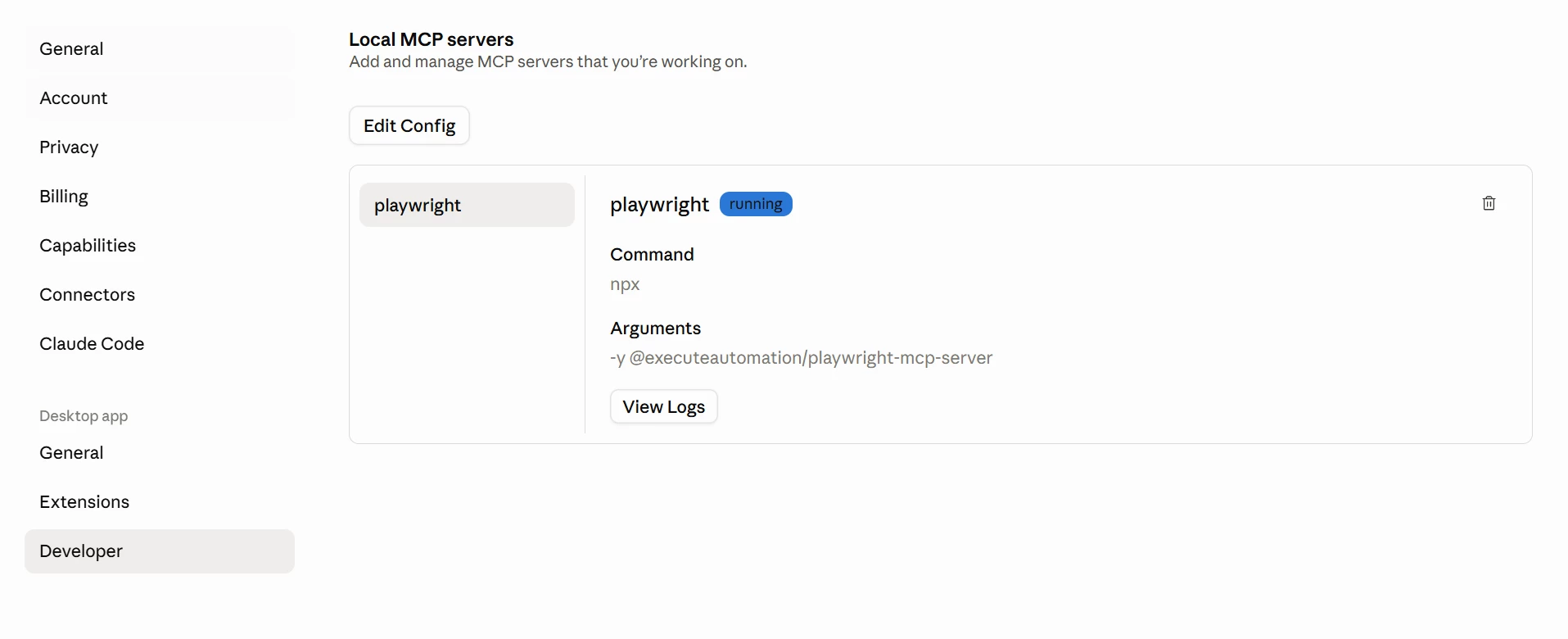
- Set up and use popular MCP clients like Claude Desktop and Visual Studio Code to connect and run MCP servers.
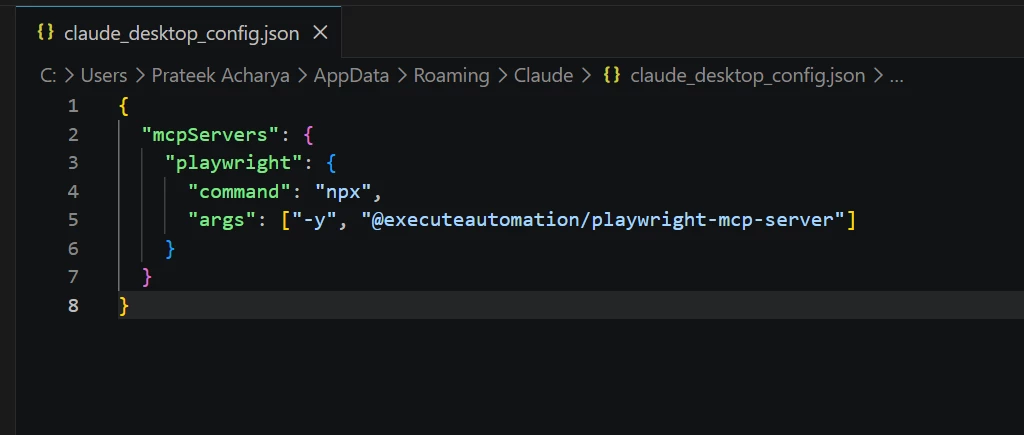
- Configure MCP servers via client config files and learn the difference between how clients store MCP settings (e.g., client specific JSON configs).
- Install and run Playwright MCP Server to perform UI automation with plain English instructions (open browser, navigate, click, assert, summarize).
- Use MCP powered UI testing to execute real workflows like login, create entities, log off, and close browser with AI driven steps and evidence capture.
- Generate test code and scaffolding automatically (Playwright config, package scripts, TypeScript config, test specs, screenshots and reports) from the same workflow.
- Extend the approach to API testing by using Swagger or schema inputs to generate comprehensive tests for GET, POST, PUT, DELETE plus helper utilities and test data factories.
- Learn how MCP servers expose tooling capabilities (browser automation, file access, repo access) and how choosing fewer tools can keep workflows faster.
- Apply MCP to broader QA needs such as documentation extraction, requirements consolidation, and advanced operations like querying logs for insights.
COURSE INTRO
Course description:
This video series introduces QA professionals to the Model Context Protocol (MCP) — a powerful way to connect testing tools, data sources, and automation workflows with AI-driven efficiency. Across ten practical sessions, you’ll learn how MCP simplifies integration challenges, streamlines test execution, enhances reporting, and makes QA assets — from databases to UI tests — more accessible and maintainable. Whether you’re looking to modernize your existing frameworks or prepare for the future of AI-assisted testing, this course gives you the knowledge and hands-on skills to bring MCP into your QA practice.
✅Certification
Complete all chapters of the course and take the final quiz. Achieve a score of 90% or higher to earn your official MCP for QA Certificate. You will find the quiz link at the end of the course.
To consider:
Certificates are issued 1 business day after course completion.
Please reach out to us only if your certificate is not delivered within this timeframe. And please be patient.
Certificates will be issued with the name you have in your profile.