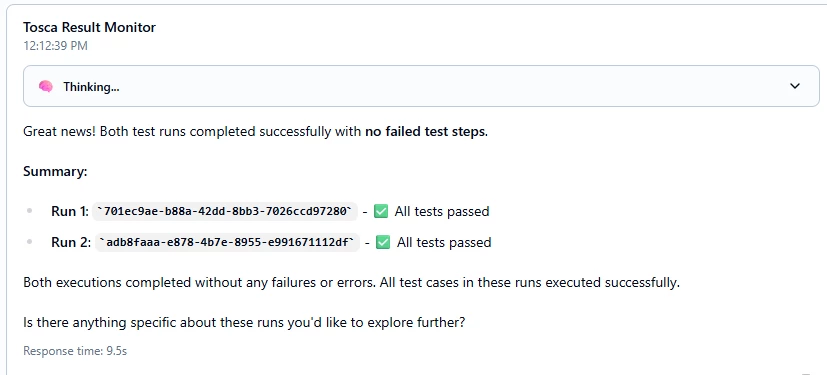
How to connect AI Agents with Tosca, qTest or Neoload
AI Workspace can now connect to Tosca Cloud, qTest Cloud, and NeoLoad Cloud in just few clicks and it's Tosca Cloud the latest addition to the simplified connectivity for automating the QA work.
What can connected Agent with Tosca Cloud do for you:
- Pull recent test run logs and use AI to analyse root cause.
- Trigger test playlists
- Create pre-defined test steps via AI to support Tosca agentic test recording.
To connect your Tosca Cloud instance, go to “Tools” → “Add Toolset” → “MCP” → “Tosca Cloud”
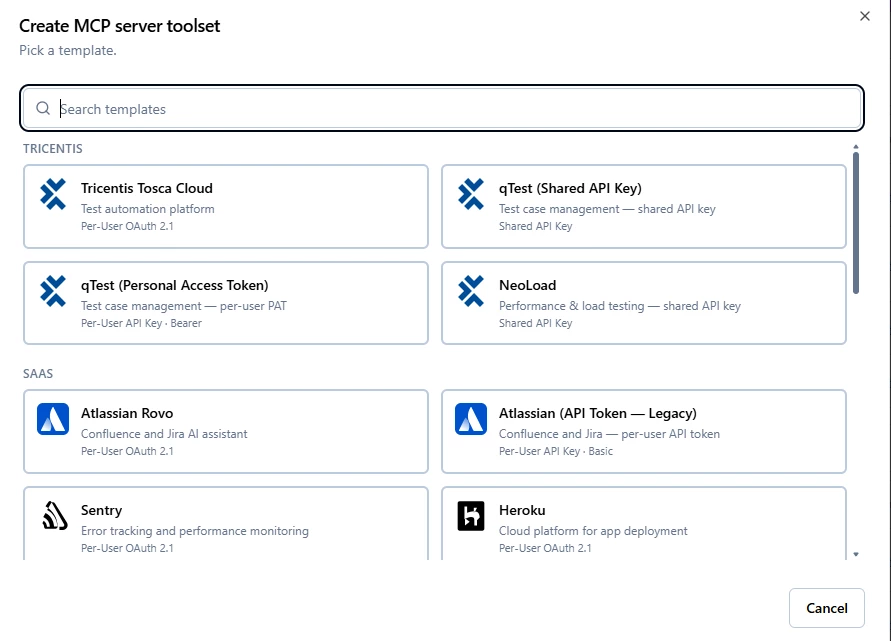
Once you have the connectivity and can see the tools:
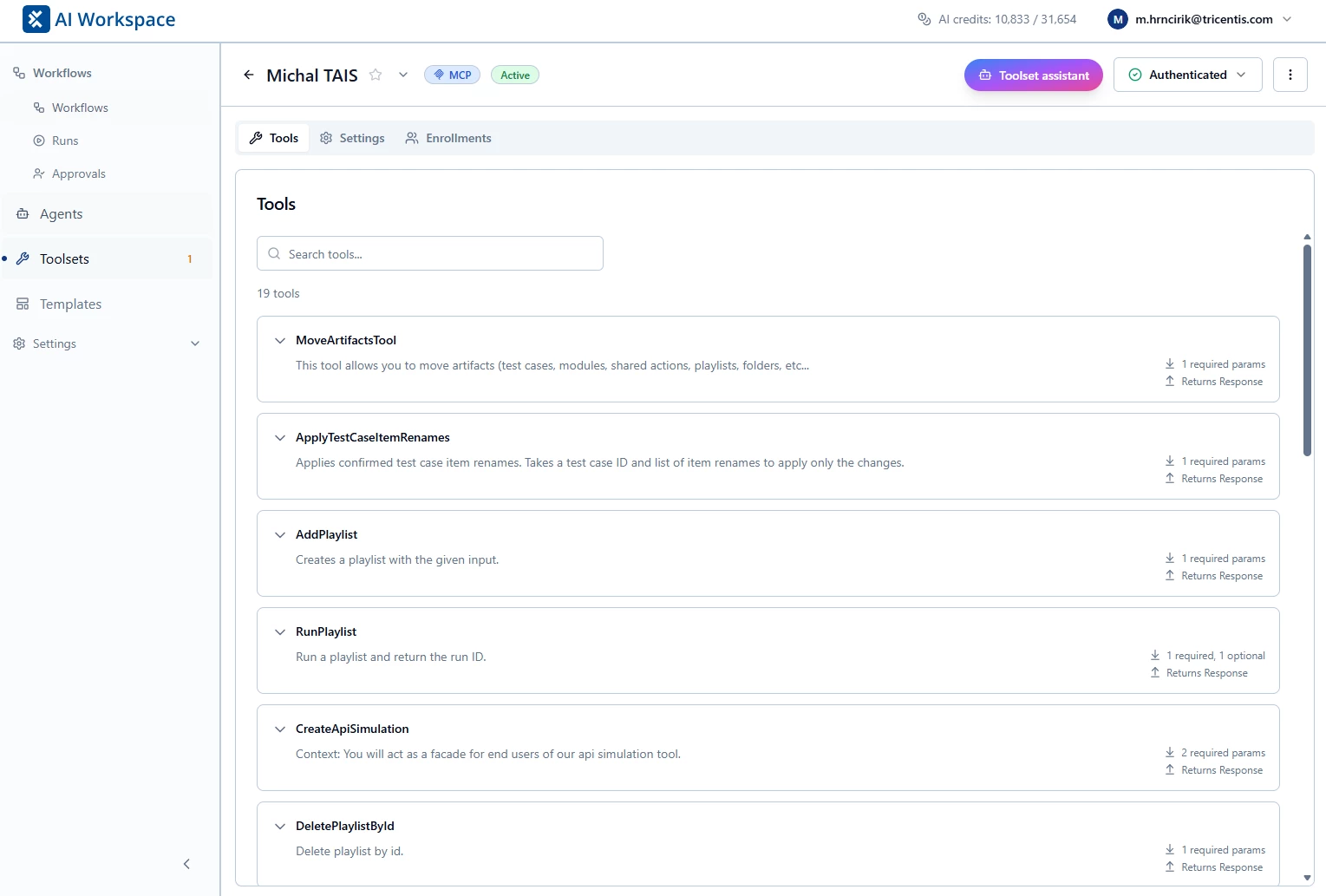
The last step is to connect that with your AI Agent. Go to your AI Agent → Design → Use AI Assistant and tell it “user Tosca tool <your name> to analyze the recent Tosca test case runs.
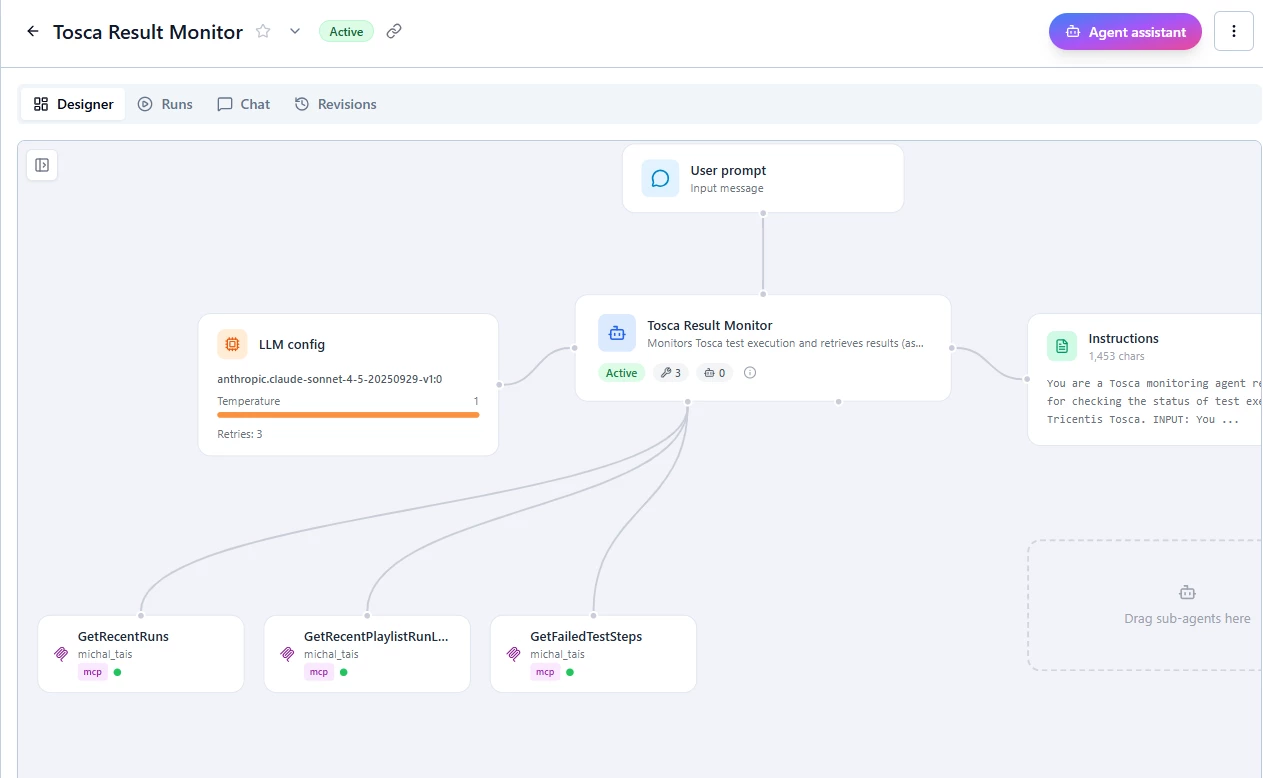
And the Agent or Workflow can check the Tosca automatic test runs and report back to Jira or any other tool the results.