




Quality Assurance teams can supercharge their testing by using AI to generate synthetic test data. Why? AI-driven data generation creates realistic yet fake data that mimics real user behavior; all without exposing any actual user info. This means you get edge cases and diverse scenarios covered with full privacy compliance.
Below is a step-by-step guide to leveraging AI for smarter test data.
Why Use AI for Synthetic Test Data?
-
Uncover Edge Cases: AI can produce data variations humans might miss, surfacing rare or tricky inputs (e.g. very long names, special characters, unusual date formats) that help you catch bugs early. In fact, next-gen AI can mirror production scenarios – including boundary conditions and odd cases humans wouldn’t even consider.
-
Privacy-Sensitive Testing: With regulations like GDPR/CCPA, using real customer data in tests is a no-go. Synthetic data generated by AI is fully anonymous and exempt from data protection rules. You can safely test workflows involving personal data (user profiles, finance records, etc.) without risking privacy leaks.
-
Speed & Realism: Instead of manually masking or crafting data, AI generates large, varied datasets on-demand. The result is high-fidelity data that looks and behaves like real data (preserving relationships and formats) but is fake. This accelerates testing cycles while avoiding false positives from stale or scrubbed data.
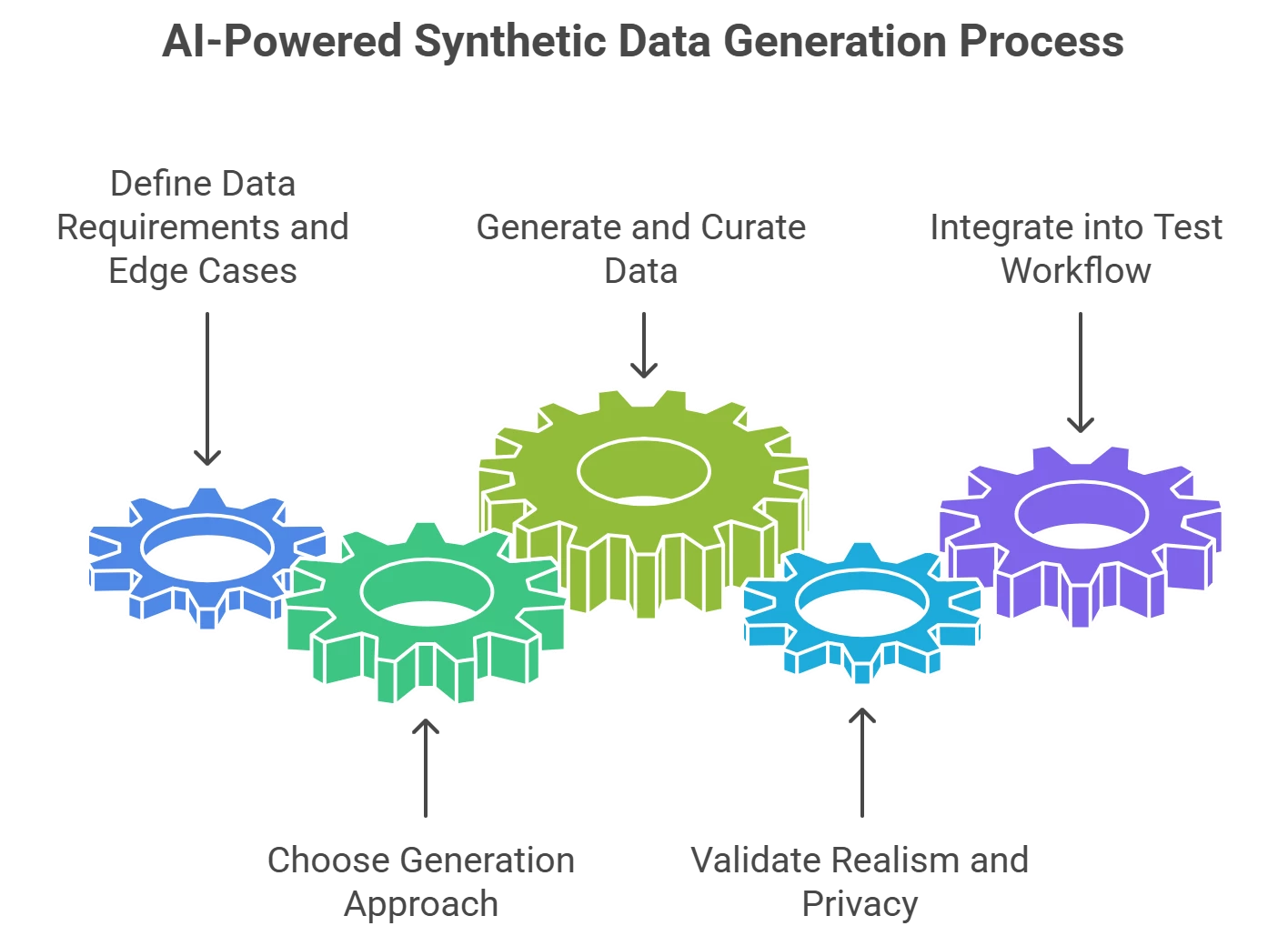
Step-by-Step: AI-Powered Synthetic Data Generation
-
Define Data Requirements and Edge Cases: Start by listing what test data you need. Identify all fields and data types (names, emails, transactions, etc.), then brainstorm edge cases for each. For example, if testing a sign-up form, consider boundary values (very long or empty names), international inputs (Unicode characters), and invalid formats (malformed emails). Knowing your edge cases upfront guides the AI to include them.
-
Choose Your Generation Approach (Tool or LLM): Decide whether to use a specialized tool or a more ad-hoc method:
-
Tool-based: QA platforms like Tricentis Tosca offer built-in test data generation that’s GDPR-compliant by design. Tosca’s Test Data Management can quickly provision realistic dummy data instead of copying production records. Other tools (e.g. Tonic.ai, MOSTLY AI) learn from schemas or production stats to create safe, statistically valid data reflecting real patterns.
-
LLM-based: For a tool-agnostic route, leverage Large Language Models. For instance, you can prompt an LLM (via an API or chat interface) to generate sample data. Describe the schema and ask for diverse examples (e.g. “Generate 5 customer profiles in JSON, including one with an extremely long last name, one with special characters, and one with missing email”). Generative AI excels at producing both valid and invalid inputs to test various scenarios. This approach is flexible – you can generate text, structured JSON/CSV, or even images for testing (like dummy profile photos) as needed.
-
-
Generate and Curate the Data: Execute your chosen method to create the dataset. If using a tool, configure any rules or constraints (for example, set an email field to sometimes generate invalid formats to test validation). If using an LLM or script, review the output for variety. Ensure that the data covers normal cases and the edge cases you identified. A good practice is to generate a larger pool of data and then curate it; pick representative edge-case examples (e.g. the longest name, the highest transaction amount, a non-Latin character address) to include in your test suite.
-
Validate Realism and Privacy Compliance: Before using the data in testing, do a quick validation pass. Are the values realistic (e.g., do phone numbers have the right number of digits and formats for different regions)? Do the distributions make sense (e.g., 1% of names might be very long, some fields left blank to simulate missing data)? Critically, verify no real personal data slipped in. AI-generated data should be fictitious, but if you used any production-based synthesis tool, confirm it didn’t copy anything sensitive. The goal is data that looks real to the system under test, but is dummy data from a privacy standpoint.
-
Integrate into Your Test Workflow: Finally, plug the synthetic data into your QA process. Load it into your test databases or test case inputs. Automate this where possible – for example, have a script or tool regenerate fresh data each test run, or maintain a versioned dataset file. Ensure your tests reference this synthetic data set. Monitor test results closely the first time you run with the new data; you might discover previously untested paths failing (that’s a win for your edge-case coverage!). Over time, update the data generation rules or LLM prompts as the application evolves, so new features and edge cases are continually covered.
Pro Tips for QA Teams
-
Edge Case Coverage: Make edge-case thinking part of your data generation. AI can help imagine weird combos (like an address field with an extremely long single word, or an emoji in a username). The more variety, the more robust your tests. One study notes that AI-generated data can ensure “comprehensive coverage across infinite user scenarios” by including cases humans might overlook. Use that power to your advantage.
-
Combine Rule-Based and AI Generation: You don’t have to pick one method exclusively. For example, you might use a rule-based framework (like an open-source library Faker or a custom script) to enforce certain formats or business rules and an AI to inject random realistic variability. Rule-based generation gives control for compliance (e.g., always 10-digit account numbers), while AI introduces the unexpected. A hybrid approach can yield high-quality data sets covering both standard and surprise scenarios.
-
Leverage Testing Tools with AI: If you already use enterprise QA tools, check their AI capabilities. As mentioned, Tricentis Tosca has a TDM feature to generate data on the fly without touching production. Some test management tools (like Tricentis qTest with its AI Copilot) assist in generating test cases and could suggest needed test data as well. Utilizing these integrations can save time and ensure consistency across your tests.
-
Keep It Reproducible: When using AI, especially generative models, configure for consistency. For instance, when prompting an LLM for data, you might fix a random seed or explicitly define the range of variation. This avoids a situation where each test run has completely different data that could make debugging harder. You want the benefit of randomness without losing the ability to repeat a failing test with the same data. Many AI data tools allow preserving a “model” or using a fixed dataset for this reason.
-
Continuous Improvement: Treat synthetic data generation as an ongoing process. Collect feedback from test results – did a production bug occur that wasn’t caught? Maybe you need to add a new edge case to the data generator. Did testers find the AI-made data unrealistic in some field? Refine the generation rules or prompt (for example, ensure the city name field sometimes produces real city names to be plausible). Over successive iterations, your AI-generated test data will become more robust and finely tuned to your application’s needs.
By following these steps, QA professionals can quickly spin up rich, edge-case-laden test datasets with AI assistance. This not only boosts test coverage and reliability, but also keeps your testing safe from privacy risks by never using real personal data. Embracing AI for test data generation is a practical way to work smarter and deliver high-quality software with confidence.