
Question

What kinds of AI tools are you using daily in your software development? And how are those AI tools changing your daily work?

  • January 27, 2026
  • 21 replies
  • 289 views

Mustafa
Forum|alt.badge.img+9

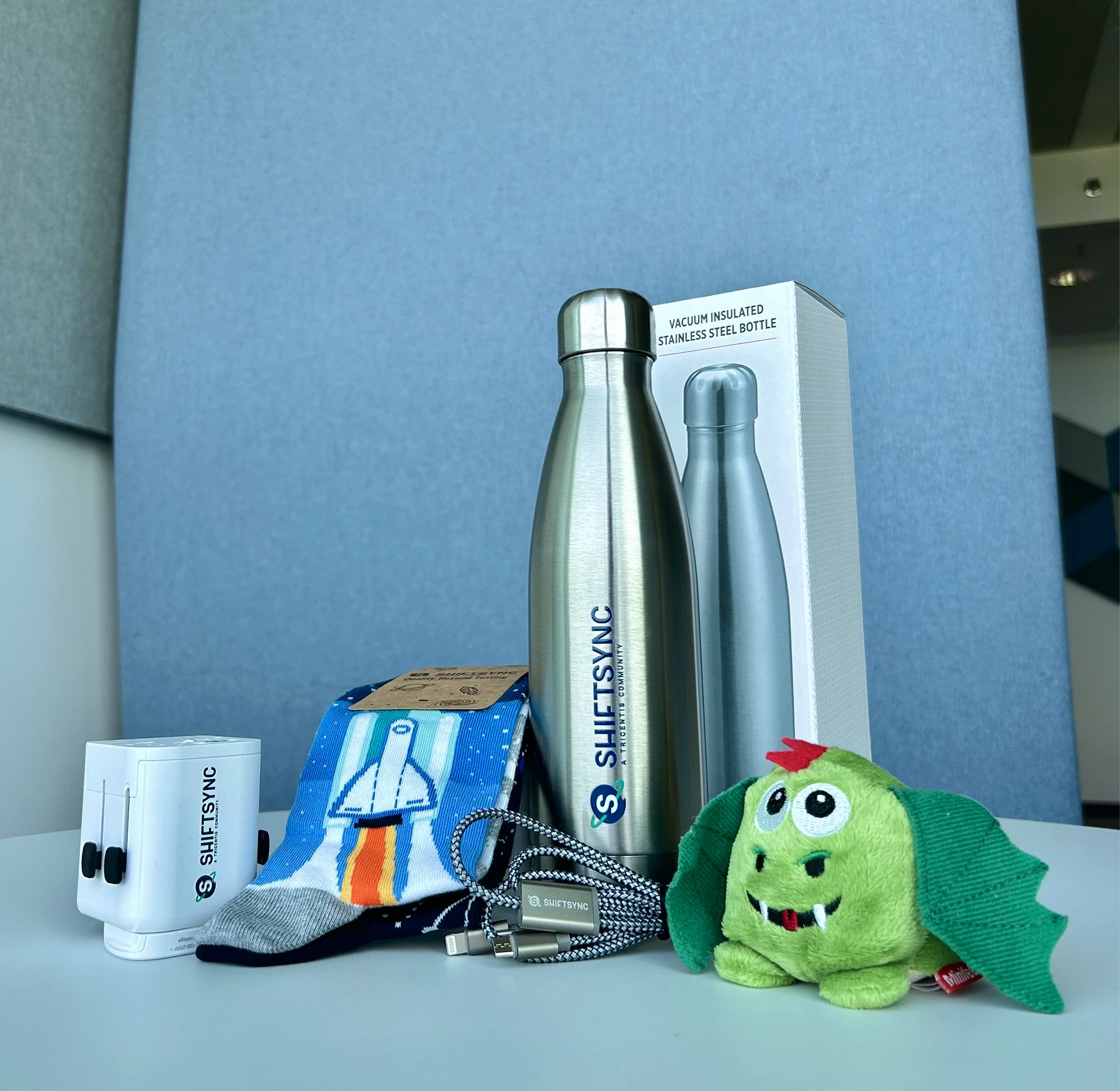
Answer Nikolay Advolodkin’s question for a chance to receive a ShiftSync giftbox.


21 replies

  • Space Cadet
  • January 27, 2026

Accelq with Gen AI, Playwright with MCP, GitHub Copilot → Its helping me to speed up my work significantly. 


  • Ensign
  • January 27, 2026

I’m using Claude and chat gpt. I would use ChatGPT to make jira tickets that where formatted to my company template. And for Claude I would use it to make test apps to practice cypress and playwright automation.


  • Space Cadet
  • January 27, 2026

I’m using Copilot, Claude code 


  • Space Cadet
  • January 27, 2026

Github copilot, Claude 


Forum|alt.badge.img+1
  • Specialist
  • January 27, 2026
  1. GitHub Copilot - For writing Automation scripts using Playwright MCP server.
  2. ChatGPT/Claude/Gemini/Perplexity - For content creation and messages refinement.
  3. Atlassian Rovo - Summarize the requirements that are stored in confluence page and also converting testing requirements to Test cases.
  4. Google Antigravity - Exploring the new IDE apart from VS code that I am using.

What I use it for:

Writing test automation scripts (Playwright, Selenium)
Generating test data
Creating API test cases
Writing utility functions

Also I am using below AI tool specific to Salesforce applications which comes out of the box.

Salesforce Einstein / Agentforce

What I use it for:

Testing AI-powered features in Salesforce

Understanding Data Cloud insights

Validating Einstein predictions

Testing Agentforce agent behaviors


  • Ensign
  • January 27, 2026

Daily, I interact with multiple classes of AI—each serving a different cognitive role rather than a task:

  • Generative AI for acceleration
    Used for drafting test scenarios, release notes, risk narratives, and architectural options. This saves time—but time saving is the least interesting benefit.
  • Analytical / reasoning models for decision pressure
    I use AI to challenge assumptions:
    “What breaks if this release slips?”
    “What hidden coupling are we ignoring?”
    “Where is quality being assumed instead of engineered?”
    This has reduced opinion-based decisions and exposed blind spots earlier in the cycle.
  • AI-assisted QA & release intelligence
    Instead of testing features, I increasingly test behaviors, signals, and system resilience.
    AI helps surface risk patterns across logs, test failures, and historical release data—changing QA from gatekeeping to early warning systems.

But the real shift isn’t what AI I use.
It’s how my daily work has changed.

Before AI:

  • I spent time producing artifacts
  • I moved linearly: design → build → test → release
  • Quality was something we verified late

Now:

  • I spend time orchestrating outcomes
  • Design, validation, and release thinking happen simultaneously
  • Quality is a continuously adapting property of the system

AI has collapsed phases.

What used to be:

“Think → document → hand over → fix later”

Is now:

“Model → simulate → adapt → ship with confidence”

So my day is no longer about:

  • Writing more
  • Testing faster
  • Using more tools

It’s about:

  • Making better decisions earlier
  • Designing systems that self-correct
  • Shifting teams from execution to intentional engineering

AI didn’t make me faster.
It made my thinking compound.

And that’s the difference between using AI
and working in an AI-native operating model.

— Umanga Buddhini


  • Space Cadet
  • January 27, 2026

I use Claude 


  • January 27, 2026

GitHub Copilot and the Continue plugin for VS Code with different MCPs on a daily basis. Copilot helps me quickly generate boilerplate code, suggest implementations, and speed up repetitive tasks. 


سامان ذوالفقاریان
Forum|alt.badge.img+3

As an SAP QA specialist focused on Enterprise Continuous Testing (ECT), my perspective on AI goes beyond simple code generation. My daily "stack" is a fusion of Google Gemini Advanced (as my cognitive partner) and the embedded AI capabilities within the Tricentis suite.

​Here is how these tools have fundamentally shifted my workflow:

​1. From Scripting to Predictive Quality Architecture:

I don't just use LLMs to write automation scripts; I leverage them for "Preventive Risk Analysis." In complex SAP environments, I feed intricate logs and transport change manifests into AI models to identify potential integration failures within our Jenkins pipelines before execution. This has shifted my focus from fixing broken tests to preventing them.

​2. Project Astra (My Digital Twin):

I am actively developing a concept called "Testing with a Digital Twin" (Project Astra). Rather than manually executing repetitive scenarios, I’m training an AI agent on my own behavioral patterns and domain knowledge to conduct autonomous Exploratory Testing across our ERP modules.

​The Result: AI has transformed my role from a "Test Executor" to a "Quality Orchestrator." I no longer just hunt for simple bugs; my digital twin and I hunt for systemic bottlenecks at an enterprise scale.


  • Ensign
  • January 27, 2026

Copilot for day-to-day activity (which can plug in Playwright,VSCode,GitHub)


  • Ensign
  • January 27, 2026

As a QA, I'm using Copilot, ChatGPT, and Gemini.


Mainly for 
 

  • Unit test and integration test generation

  • Edge-case identification

  • Test data creation

  • Higher test coverage with less manual effort

  • Better negative and risk-based scenarios


  • Apprentice
  • January 27, 2026
  • ChatGPT – Report writing, understanding PRDs & business documents, test case generation, test cases review bug writing, Python API automation. Data generation / DAta cleaning. 

  • Perplexity – Quick research and domain knowledge

  • Gemini – Meeting minutes and summaries

  • GitHub Copilot – Code development support

  • YouTube / Notebook LLM – Short explanations and domain understanding 


Forum|alt.badge.img
  • Ensign
  • January 27, 2026

Started Temporal for workflow testing for agents


  • Ensign
  • January 27, 2026

I use ChatGPT and Copilot for scripting automation testcases using playwright. It helps to fast scripting and error corrections especially for complex test scenarios , which truly saves time and improved code quality.


Forum|alt.badge.img
  • Ensign
  • January 27, 2026
Category Tools I Use How I Use Them Daily How They Are Changing My Work
Code & Test Assistance GitHub Copilot, ChatGPT, Claude Code Generate test cases, automation code, debug errors Speeds up development, reduces repetitive work
Test Automation Intelligence Healenium By EPAM Auto‑heal locators, improve flaky tests Reduces maintenance effort, improves automation stability
Test Data Generation ChatGPT, Mockaroo, Faker Generate realistic and edge-case test data Saves time and improves test coverage
Log & Issue Analysis OpenAI/Ollama model based agents Summarize logs, identify anomalies & root causes Faster debugging and quicker defect resolution
Requirement Understanding Jira AI Assistant, ChatGPT Convert user stories to test scenarios Improves accuracy and speeds up test design
Browser Automation
(AI‑Enhanced)
Playwright MCP
Automate UI flows, validate UI changes faster,
run cross-browser checks
Reduces manual browser testing,
accelerates regression cycles
API Automation Postman AI assistant
Generate API test cases, validate responses,
create negative test scenarios, auto‑document collections
Speeds up API testing,
reduces manual scripting, improves test coverage

  • Ensign
  • January 27, 2026

I used gemini for test cases creation and automation test. 


  • Space Cadet
  • January 27, 2026

We are using Claude MCP and KIRO IDE. Using AI simplifies the tasks and do it in reliable amount of time.


ujjwal.kumar.singh
Forum|alt.badge.img+1

Answer Nikolay Advolodkin’s question for a chance to receive a ShiftSync giftbox.



I use AI tools every day—ChatGPT, Claude, GitHub Copilot, and Playwright Test Agent.
But honestly, the more interesting question isn’t which tools I use. It’s what problems they actually help solve.

Before AI, a lot of my time went into mechanics:

  • Reading through ~200 lines of test failure logs could take 20 minutes just to spot a pattern

  • Writing a test strategy often meant staring at a blank page for half an hour

  • PR reviews involved constant context-switching between code, Jira, and docs

With AI, the workflow feels very different:

  • I paste logs into Claude, get a pattern hypothesis in about 30 seconds, and then validate it myself

  • I dump testing risks into ChatGPT, get a first draft, and refine it for stakeholders

  • Copilot suggests test patterns I might’ve missed—I accept around 60% and reject the rest

  • Playwright Test Agent speeds up test generation, selector debugging, and flaky test investigation

The biggest shift I have noticed is this: less time on mechanics, more time on judgment.
AI surfaces likely causes like timing issues or race conditions, and I focus on deciding what actually makes sense.

Documentation has also become easier to start. Instead of spending 30 minutes stuck on the first paragraph, I can get to a rough 70% draft in a couple of minutes and spend my energy improving the thinking, not fighting the blank page.

Code reviews feel lighter too. Copilot catches the obvious stuff, which lets me focus on logic, architecture, and whether the tests really prove what they’re supposed to.

That said, there are things AI still can’t do:

  • Decide which tests are worth writing and which aren’t

  • Define what acceptable risk looks like for a release

  • Judge whether a flaky test points to bad code or bad test design

  • Know when a 'minor' UI bug actually breaks the user experience

Those are still human judgment calls.

My honest take: these tools are assistants, not replacements.
They are great at pattern recognition, summarization, and first drafts.
They are bad at context, nuance, and knowing when to break the rules.

I treat AI like a fast junior teammate very helpful, but it needs oversight. If you expect it to do your thinking for you, you will just ship mediocre work faster.

Overall, I would estimate a 20–30% time saving on execution work, which I now spend on design, collaboration, and deeper analysis.
The work feels less mechanical and a lot more strategic.


Bharat2609
Forum|alt.badge.img+3
  • Ensign
  • January 27, 2026

Answer Nikolay Advolodkin’s question for a chance to receive a ShiftSync giftbox.


I have used mostly Accelq with Gen AI, Playwright with MCP, GitHub Copilot , notebook llm
Playwright agent, google antigravity (recently started last 2 week),Atlassian Rovo 

chatgpt, perplexity and for salesforce appliation using agentforce


I have creating my own agent LLM model while intregrating different techniques:

reranking two stage retrival
chunking types-stucture aware chunking
similarity score
cosine similiartiy 
model -sentence transformer
cross encoder-- pure semantic similarity reranking

model hosting : ollama
reranking : cross encoder, hybrid and excel_aware
orchstration: langchain
dense retrival -sentence transformer+ faiss vector search

sparse retrieval  BM25 or keyword based search
hybrid confusion
semantic search -sentence tranformer + faiss
reciprocal rank fusion- advanced fusion algorithm combining dense and sparsh result
BM25 and nltk
RRF score
adaptive threshhold
query routing

--LLM evaluation using RAGAS


Mukta Sharma
Forum|alt.badge.img
  • Specialist
  • January 27, 2026

We are using following AI tools in our software development life cycle/Software Testing Life Cycle for successful project delivery starting from "Requirements analysis" till the "sprint release".  


At each snd every stage in software development life cycle, we are incorporating AI free tools.


Starting from analysing requirements, testscenario generation, testcases generation, creating test reports to staleholders, creating test management matrix, for meeting notes, for creating presentations & for creating content etc .


We are also using some AI tools inbuilt in Jira to clarify our doubts/questions on the user stories. 


For automating test scripts  we are using co-pilot as an inbuilt in VScode editor. 


All are available in FREE to use. 

AI tools:

ChatGPT,

Microsoft Co-Pilot,

Napkin.AI

Rovo AI

Co-pilot

Ask Meta on Phone 

Otter.AI

Notebook Llm 

Gamma

Perplexity 

Fireflies.AI

Canva AI


IOan
  • January 30, 2026

In my daily software development work, I use several types of AI tools:

1. Code assistants

Tools: ChatGPT, GitHub Copilot, Cursor
How I use them:

  • Writing boilerplate and repetitive code

  • Refactoring and optimizing existing code

  • Understanding unfamiliar or legacy codebases

  • Exploring alternative approaches or patterns

2. Testing and QA support

Tools: ChatGPT, Testim
How I use them:

  • Generating test cases and edge scenarios

  • Improving test coverage ideas

  • Supporting exploratory testing and risk analysis

  • Speeding up unit and regression test creation

3. Debugging and analysis

Tools: ChatGPT, Sentry (with AI insights)
How I use them:

  • Interpreting stack traces and error logs

  • Root-cause analysis of production issues

  • Performance bottleneck identification

  • Faster incident investigation

4. Documentation and communication

Tools: ChatGPT, Notion AI, Confluence AI
How I use them:

  • Writing and refining technical documentation

  • Creating clear PR descriptions and release notes

  • Summarizing meetings and technical discussions

  • Improving clarity and tone in stakeholder communication

These tools have shifted my work from manual execution to higher-value thinking. I spend less time on repetitive tasks and more time on architecture, quality, and decision-making. AI doesn’t replace experience—it amplifies it.
